Introduction
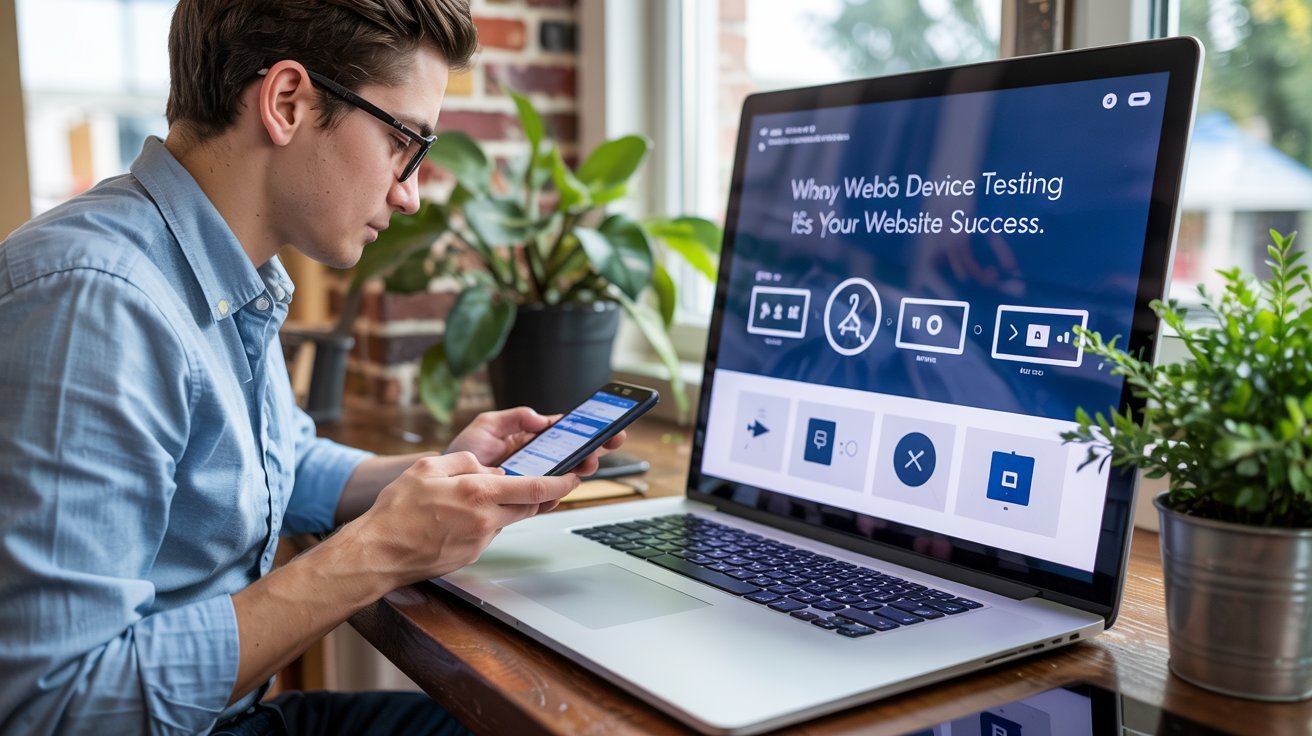
In today’s digital world, your website needs to perform flawlessly across a wide variety of devices. Whether it’s a smartphone, tablet, or desktop computer, each device comes with different screen sizes, resolutions, and browsers that can affect your website’s functionality and user experience. This is where web device testing comes into play. Web device testing ensures your website is responsive, user-friendly, and bug-free on all devices.
In Today’s articles, we’ll explore the essentials of web device testing, including its significance, common challenges, tools to use, and best practices. Whether you’re a developer, designer, or business owner, understanding web device testing will help you deliver an optimal experience to all users, regardless of their device. Lets gets started!
Why Web Device Testing Is Essential for Your Website’s Success
Ensuring that your website works across various devices is no longer optional; it’s a necessity. Let’s look at why web device testing is crucial for your online success:
1. Mobile Traffic is Growing Exponentially
With mobile usage surpassing desktop traffic, more users access websites through smartphones and tablets. According to recent studies, over 54% of global web traffic comes from mobile devices. If your website isn’t optimized for mobile, you’re likely losing potential customers.
2. Improves User Experience
Web device testing helps ensure that your site provides a seamless and enjoyable experience across all devices. It addresses issues like text readability, navigation flow, and visual elements like images, buttons, and menus, ensuring that everything is easy to use and visually appealing.
3. Boosts SEO Rankings
Google prioritizes mobile-friendly websites, meaning a site that is properly optimized for various devices is more likely to rank higher in search engine results. Regular web device testing helps meet Google’s mobile-first indexing requirements and ensures that your site is search-engine optimized.
4. Enhances Conversion Rates
A website that works flawlessly on all devices leads to higher engagement and more conversions. When users have a positive experience, they are more likely to take action, whether it’s making a purchase, signing up for a newsletter, or contacting your business.
The Importance of Cross-Browser Compatibility in Web Device Testing
Cross-browser compatibility ensures that your website functions consistently across multiple browsers such as Chrome, Firefox, Safari, and Edge. Without proper testing, elements of your site may appear broken or behave incorrectly depending on the browser being used.
For example, certain JavaScript functions may not work on all browsers, leading to a poor user experience. Cross-browser testing identifies these inconsistencies early, allowing developers to address them before the website goes live. It also improves your website’s accessibility, as different users may prefer different browsers.
By using tools like BrowserStack or CrossBrowserTesting, you can easily simulate how your website behaves across different browsers, ensuring that your website is universally compatible.
Furthermore, cross-browser testing is vital for SEO, as Google rewards websites that function properly on all browsers. A smooth, consistent experience across browsers enhances user retention and satisfaction, ultimately contributing to your website’s overall success.
How Web Device Testing Works
Web device testing is a process that involves testing your website on various devices, screen sizes, browsers, and operating systems. The goal is to ensure that your website is fully functional, responsive, and visually appealing on each of these platforms. Here’s how it works:
1. Test on Multiple Devices
A website needs to be tested on various devices, including:
- Smartphones: iPhone, Android, and other mobile devices.
- Tablets: iPad, Android tablets, and other devices.
- Desktops and Laptops: Different OS platforms like Windows, macOS, and Linux.
2. Test on Different Browsers
Your website should be tested on the most popular browsers, such as:
- Google Chrome
- Safari
- Mozilla Firefox
- Microsoft Edge
3. Test for Performance
Performance testing involves checking the loading times and overall performance of your website across devices. Websites that load too slowly on mobile devices, for example, risk frustrating users and losing traffic.
4. Test for Responsiveness
Responsive design ensures that your website adjusts its layout to fit the screen size. For example, a mobile version of the site may have a single-column layout, while the desktop version may display multiple columns.
Key Challenges in Web Device Testing
While web device testing is essential, it also comes with its own set of challenges. Understanding these challenges can help you better prepare and execute an effective testing strategy.
1. Device Fragmentation
The variety of devices and screen sizes can make testing difficult. Different devices have different resolutions, operating systems, and browser versions, which can cause inconsistent website behavior.
2. Time-Consuming Process
Manually testing websites across various devices can be a time-consuming process, especially if you need to check multiple browsers and operating systems. This can lead to delays in product launches or updates.
3. Maintaining Consistency
Ensuring that your website looks and functions the same across all devices requires meticulous testing and adjustments. Minor differences in how browsers interpret web design elements can cause inconsistencies.
Popular Tools for Web Device Testing
Luckily, there are several tools available to help streamline the web device testing process. These tools can automatically test your website across a range of devices and browsers, saving you time and effort. Here are some of the most popular tools:
1. BrowserStack
BrowserStack is one of the most popular cross-browser testing tools, allowing you to test your website on real devices. It provides access to a wide range of mobile devices, desktops, and browsers. With BrowserStack, you can test the real user experience without needing to own all the devices yourself.
2. Sauce Labs
Sauce Labs offers a cloud-based testing platform that supports both manual and automated testing. It allows you to test your website on a variety of browsers, devices, and operating systems.
3. CrossBrowserTesting
This tool offers live testing on real devices and browsers. It’s an excellent choice for manual testing, allowing you to interact with different devices and view how your website performs in real-time.
4. Responsive Design Checker
Responsive Design Checker allows you to test how your website looks on different screen sizes and resolutions. You can check the responsiveness of your website by entering the URL and selecting the device you want to simulate.
Why Real Device Testing is Crucial for Web Device QA
While emulators and simulators can be convenient for preliminary testing, real device testing is essential for an accurate representation of how your website will function in the hands of actual users.
Emulators can’t fully replicate the complexities of real-world usage, such as the effects of network speed variations, real-time touch interactions, or hardware-related performance issues. Real device testing allows for a more accurate diagnosis of how your site performs across various devices and operating systems.
It ensures that features like navigation, form submissions, and media play work as intended, even on devices with lower processing power or slower internet connections. With tools like TestComplete or Device Farm, you can access a wide range of real devices to test your website’s behavior.
Furthermore, real device testing helps identify issues that may not appear on virtual environments, such as device-specific bugs or hardware incompatibilities. Conducting real device testing will not only improve your website’s quality but also provide users with a seamless experience that keeps them engaged and satisfied.
Best Practices for Web Device Testing
To ensure a successful web device testing strategy, follow these best practices:
1. Test Early and Often
Begin testing your website during the design and development phases to catch any issues early. Continuous testing during updates and releases ensures that new features or changes don’t break your website’s functionality on various devices.
2. Use Real Devices for Testing
While simulators and emulators can be useful, they may not always provide an accurate user experience. Testing on real devices ensures the most accurate results and highlights potential issues that might otherwise go unnoticed.
3. Optimize for Mobile First
Since mobile traffic is the most significant, always optimize your website for mobile first. Ensure that your website is mobile-responsive and performs well on smartphones and tablets before considering desktop optimization.
4. Check for Compatibility Across Browsers
Test how your website performs across different browsers, as each browser may interpret your site’s code differently. Pay attention to functionality, visual elements, and performance to ensure a smooth experience for all users.
5. Focus on Performance Testing
Website speed is a critical factor for user experience. Slow websites can frustrate users and lead to high bounce rates. Use tools like Google PageSpeed Insights to assess your website’s performance on various devices and improve load times.
Common Issues in Web Device Testing and How to Fix Them
Even with thorough testing, some common issues may arise. Here’s how to address them:
1. Layout Issues on Mobile Devices
Sometimes, web elements may not adjust correctly on mobile devices, leading to poor user experience. To fix this, ensure that your CSS is properly configured for different screen sizes and that the design is fluid.
2. Unresponsive Features
Certain interactive features (like forms, buttons, or menus) may not work well on mobile devices. Make sure your JavaScript and CSS are compatible with touch events and mobile gestures.
3. Slow Load Times
Slow load times can be caused by large images, unoptimized code, or unnecessary scripts. Compress images, minify code, and use caching techniques to improve loading speeds.
Conclusion: Why Web Device Testing is Crucial for Your Website
Web device testing is a vital part of the web development process, ensuring that your website performs well across all devices, browsers, and screen sizes. By testing early and often, using the right tools, and following best practices, you can deliver a seamless user experience and improve your website’s performance.
Related Stories: Iredell Free News – Stay Updated on Local News, Obituaries, and More in Statesville, NC
Aurö: Unraveling the Mystery Behind an Ancient Legend